
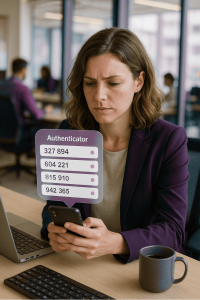
 Multi-Factor Authentication (MFA) is one of the strongest protections against account takeover — but only if your second factor is actually secure. Some authenticator apps now offer cloud sync.
The issue? When MFA data is synced without end-to-end encryption, the secret keys used to generate your authentication codes could be exposed if the cloud account is compromised. Let’s clear something up: MFA codes themselves aren’t stored anywhere. They’re dynamically generated on your device using a cryptographic algorithm (TOTP) that combines a shared secret key with the current time.
But if someone gains access to that secret key—say, through an unencrypted cloud sync—they can recreate your codes anytime, from anywhere.
Here’s what you should do:
- Use an authenticator app that encrypts its backups, like Aegis on Android or Raivo on iOS.
- Avoid syncing MFA secrets to the cloud unless it’s absolutely necessary, especially for critical accounts like banking, admin portals, or cloud consoles.
- If you must sync, ensure your Google, Microsoft, or Apple account is protected with passkeys, recovery codes, and sign-in alerts.
- For a safe offline backup, use an encrypted password manager such as Keeper Password Manager or Bitwarden to store your MFA recovery keys securely.
For IT professionals, remember: syncing MFA data without encryption can create a single point of failure across your organization’s security.
That’s your Tech Tip for today. Keep your second factor truly secure—because if your backup isn’t protected, neither are you.